
Christian County Arrest News Window
For multi-day coverage, the Taylorville Daily News Police Blotter is the best local stop. The reports carry agency labels. Christian County Sheriff's Office arrests, Taylorville Police arrests, and wider area incidents each get their own tag. Keep one thing in mind. A newspaper runs this stream, so the sheriff has no hand in it. Nothing here mirrors the Christian County Correctional Center roster.
The category rolls forward onto numbered pages with no set cutoff. There is no tidy 72-hour or seven-day window. Older reports survive on later pages. An arrest report can linger there long after it drops off the front screen. Posts also follow newsroom timing. A Monday story might recap events from the weekend before. Nothing guarantees that every arrest gets a write-up.
Navigate the Christian County Blotter
Work backward from the front page of the category. Broad browsing wastes time. Headings vary too much for that. Searching a name plus a date works far better, and a careful reader keeps three dates straight: when the event happened, when it was reported, and when the page went up.
- Open the current Taylorville Daily News police-blotter category.
- Scan headings for Christian County Sheriff, Taylorville Police, Pana, Kincaid, or “area arrests.”
- Open the story and note the stated agency and date rather than relying on the headline alone.
- Move to numbered category pages when the item is no longer recent.
- Confirm the charge through the arresting agency, jail, or Christian County court record.
Need an answer about custody today? Switch to Arrests Last 24 Hours. That route covers the sheriff's telephone and written-request options for same-day questions. The two pages split the job cleanly, one for who is in custody now, one for the published multi-day record.
Published Christian County Arrest Fields
A sample blotter story gives a short news summary with limits. Most facts come straight from a sheriff or police department. The full jail record usually stays out of it.
| Blotter item | How to interpret it |
|---|---|
| Reported date | May differ from arrest and publication dates. |
| Name and age | Useful identifiers, but confirm exact identity. |
| Community or residence | Context, not proof of arrest location. |
| Reporting agency | Points toward the likely record custodian. |
| Alleged charges | Initial charges that may later change. |
| Booking number | Usually absent from the news entry. |
| Release time or cell | Usually absent and not a current-custody signal. |
| Official booking photo | Not consistently supplied or guaranteed. |
Court records tell the rest of the story later. A disposition is simply how the court closed the matter, whether pending, dismissed, or a judgment. The Judici Christian County search displays public case details, and the Circuit Clerk issues certified copies.
Christian County Weekend Publication Pattern
Weekend and holiday arrests often get folded into one later newsroom report. That pattern means nothing on its own. It reflects publishing schedules and agency timing, not a spike in arrests. Never guess a booking count from one page of stories or names. The current multi-day local view stays on the newspaper's category page.
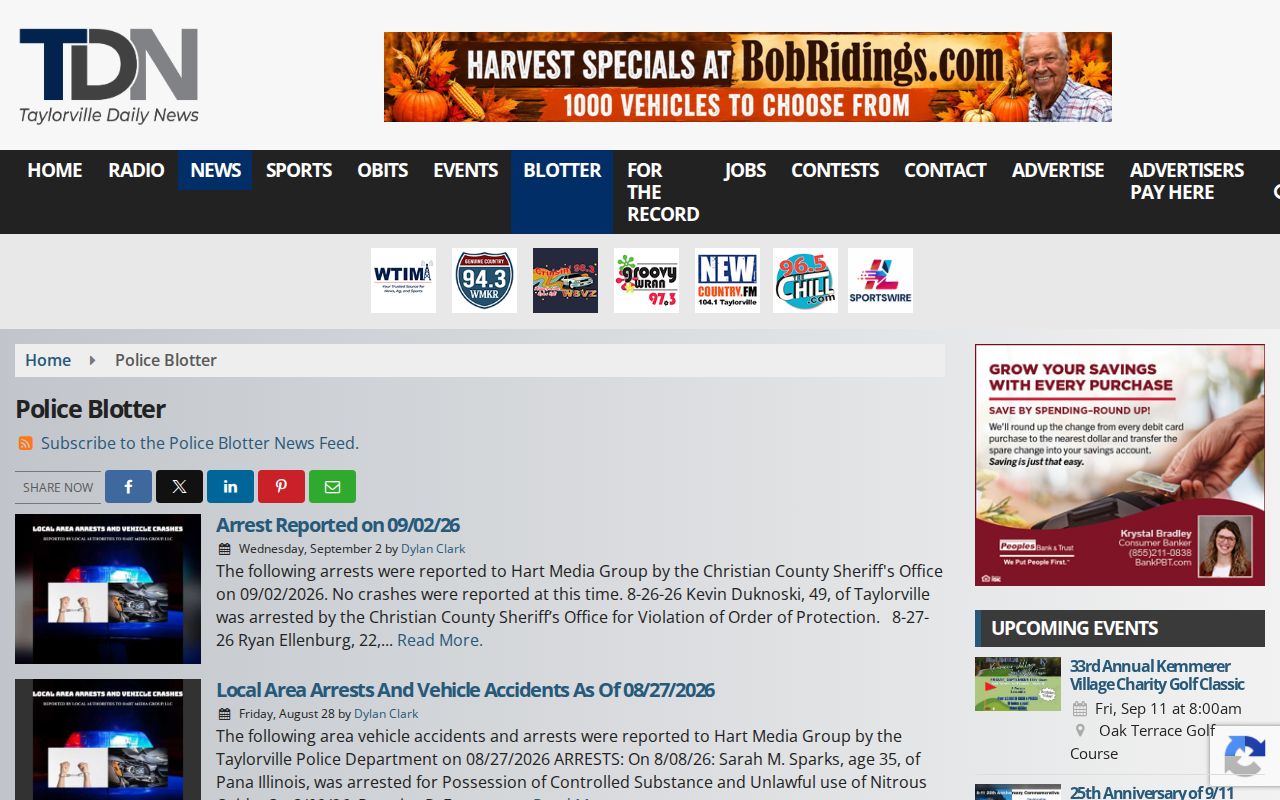
The newspaper page shows its own format and mixed local coverage. It is not a jail census. Treat it as a sample, not a full count.
When timing matters, compare the date inside the article against its publication stamp. Then call the arresting office. Taylorville Police holds its own municipal records. The sheriff answers county jail questions, while Pana and Kincaid keep separate municipal routes. Which agency made the arrest matters more than the label on the story.
Older Christian County Blotter Pages
Pagination runs deep here. The archive index stretches back to 2016. That reach makes it a strong tool for finding an old published mention. It says nothing about how long the sheriff keeps a report or booking photo, though. News retention, agency retention, and court retention are three separate systems. An older paginated blotter view shows the deeper pages.
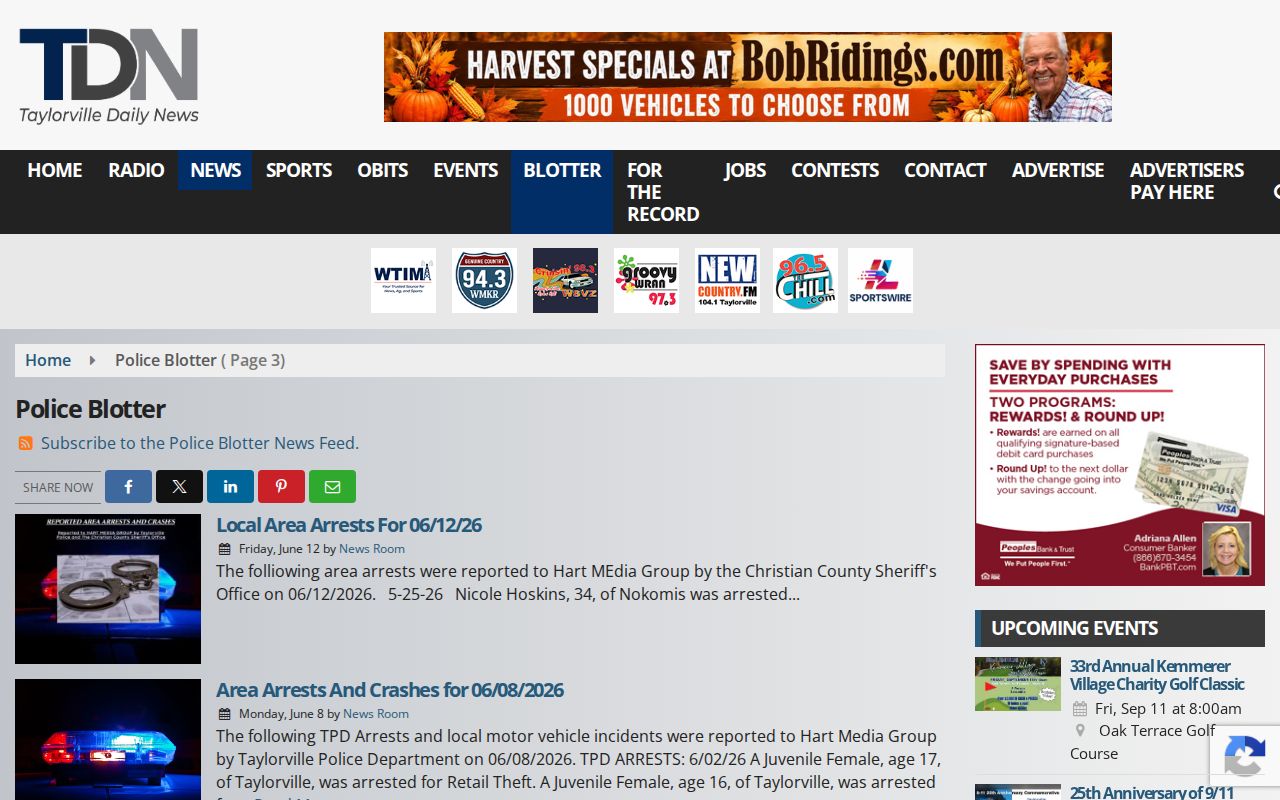
Those older pages prove you can get past the front screen. A changed or missing story is not proof an arrest never occurred. The record custodian settles that question.
For a sheriff report, use the Christian County Sheriff Records Request page. Start with a written request. List the full name and a close date range. Add the arresting agency, the location, and any incident or booking number you have. Ask for the arrest report. Request any booking photograph the office can release. Request electronic delivery plus a current fee estimate.
Unofficial Christian Arrest Archives
County-focused aggregators sit at the end of the line, after official and news sources. A Christian County third-party landing page shows the kind of outside record that lingers online. These pages can help you find a lead.
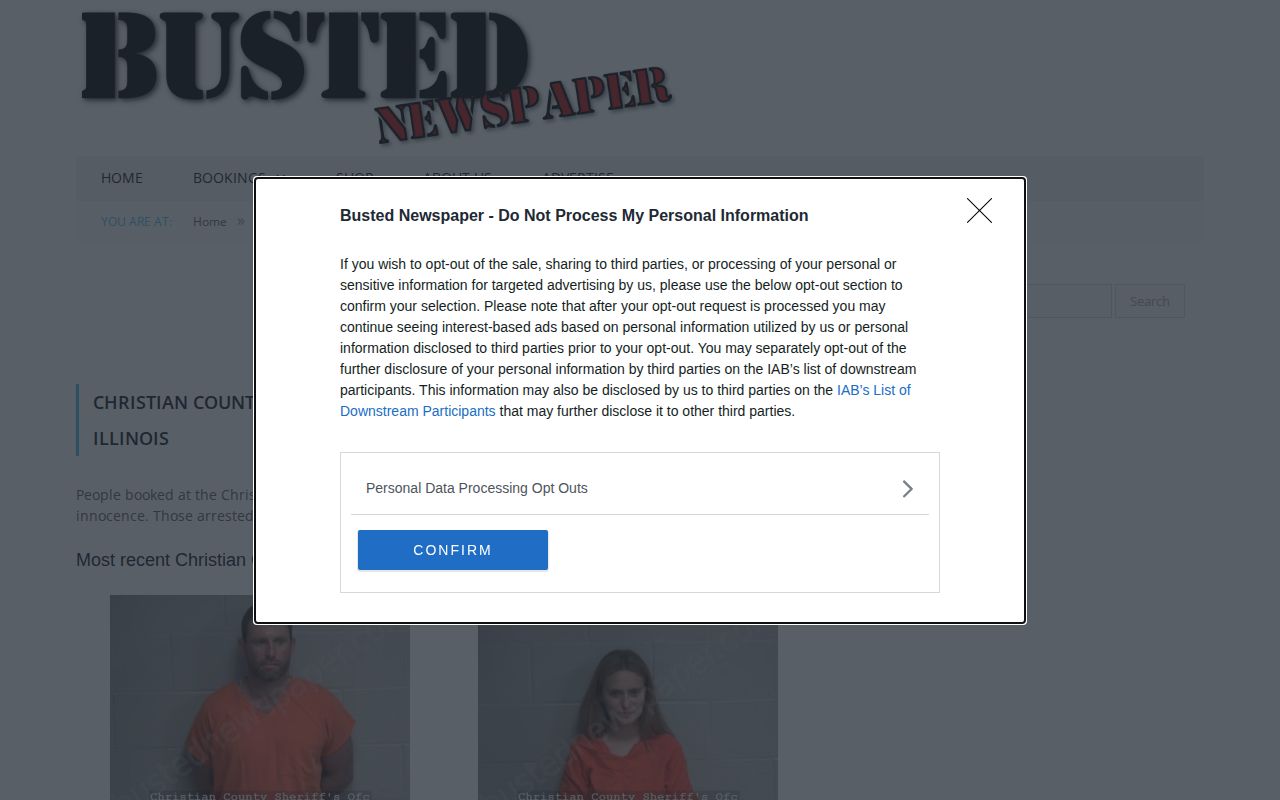
RecentlyBooked and Mugshots.com both carry pages that look like Christian County arrest coverage. Neither one is a sheriff roster. Their names, charges, photos, and dates can lag behind reality or mislabel people entirely. Old copies also linger after a case status changes. Treat anything there as a lead, not a fact. The sheriff, police, clerk, and Judici always come first for anything official. No people gallery lives here, and no booking photos get rehosted. For the full set of official routes, start with the Christian County recent arrests hub.
Separate Publication From Retention
Christian County publishes no online arrest roster. A news archive becomes the most visible trail of a recent arrest there, but it is the wrong tool for custody questions. A story can outlive a jail stay. It can also skip an arrest the newsroom never heard about, or lump several agencies under one vague heading.
Names shift between reports and court filings. Initials, hyphens, and community labels all vary. Record each version instead of assuming similar names mean one person. Case and incident numbers help most. The clerk can explain a filed case but cannot confirm jail occupancy.
For an old arrest, request the exact report, stating its type, date, person, location, and agency. If staff redact or deny material, ask why. A blank field proves nothing either way. Online retention is not legal retention, because an article can stay searchable while the agency follows its own records schedule, and a broken link never proves destruction. No source publishes a Christian County booking-photo retention period.
A good archive note captures four things. Record the title, the publication date, the agency attribution, and your access date. Do not copy photos or build a people gallery. Screenshots carry no legal weight. When a report matters for legal process, get the government record or a certified court copy. News wording also drifts from the filed charge. Treat the blotter as an index of events worth confirming, not the final source on identity, custody, or bond.
Public Record Search
Sponsored Results